
Free online bouquet maker
Make a Digi Bouquet and Send It in Minutes
Pick the flowers, wrap them, write a few words, and send the bouquet to anyone with a link. DG Bouquet is a free digital bouquet maker: no account, no delivery fee, and nothing that wilts.
- 100% free
- No sign-up
- Works on any device






Dear Tom,
With love, Aj
The basics
What Is a Digi Bouquet?
A digi bouquet, short for digital bouquet, is a flower arrangement you design online and send as a link or an image instead of as real flowers. You choose the blooms, greenery, wrapping and arrangement style, add a personal note, and the person you send it to sees the finished bouquet on their phone or computer.
It is sometimes called a virtual flower bouquet or simply digital flowers. Whatever you call it, nothing is posted or delivered. It is an online gift, so it arrives the moment you share it, wherever the recipient lives.
A digi bouquet works well when you can't be there in person, when a text feels too plain, or when you just want to make someone smile on an ordinary day.
How it works
How to Make a Digi Bouquet in Six Steps
Our online bouquet maker lets you build a bouquet one choice at a time, with a live preview that updates as you go.
- Step 1
Choose Your Flowers
Tap a flower to add it, then set how many stems you want. A bouquet holds up to 12 stems, with up to 6 of any one flower.
- Step 2
Add Greenery
Pick up to 3 kinds of foliage to frame the flowers, or skip this step.
- Step 3
Pick a Wrapper
Choose paper, clear cellophane, burlap-style wrap, or no wrapper with the stems tied in a ribbon.
- Step 4
Choose an Arrangement
Switch between round, hand-tied, classic, tall and romantic shapes and see the difference straight away.
- Step 5
Write Your Message
Add their name, your name and a short note. The message is optional.
- Step 6
Preview & Share
Check the final bouquet, edit any step, then share the link or download it as an image.
Not sure where to start? Open one of the ready-made bouquets in the gallery and change anything you like.
Flowers & options
What You Can Put in Your Digital Bouquet
Different flowers suit different messages. Mix them freely to match the moment.
Peonies
Lush and romantic, for thank-yous, admiration and new beginnings.
Tulips
Cheerful cupped blooms that bring the freshness of spring.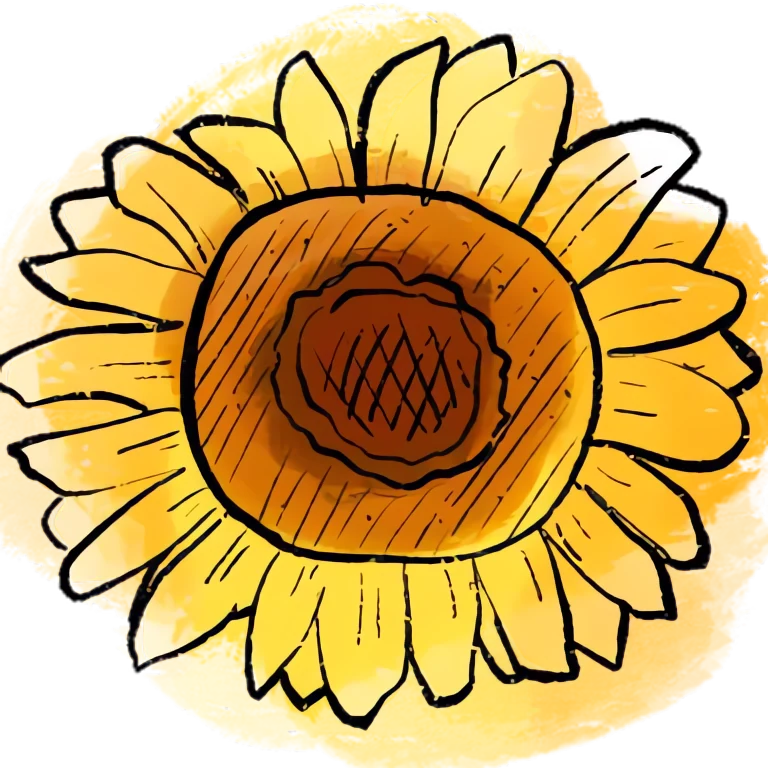
Sunflowers
Big, golden and happy. A favourite for birthdays and friends.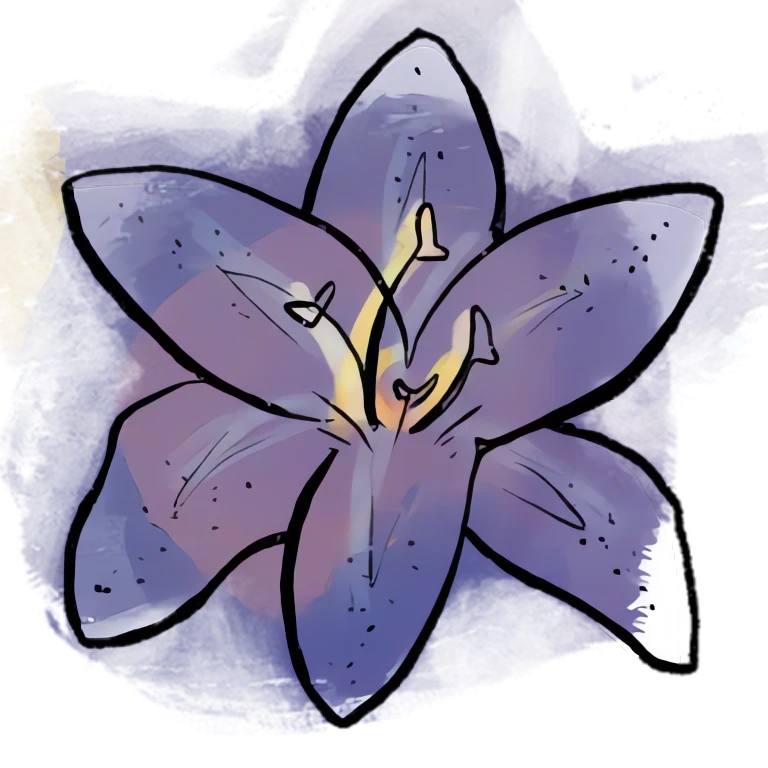
Lilies
Elegant star-shaped flowers for congratulations and graceful moments.
Zinnias
Bright, cheerful petals for the friends you miss.
Daisies
Simple, playful and bright, like a sunny afternoon.
Carnations
Ruffled petals full of affection, much loved on Mother’s Day.| Flowers (12) | Orchid, Tulip, Dahlia, Anemone, Carnation, Zinnia, Ranunculus, Sunflower, Lily, Daisy, Peony, Rose |
|---|---|
| Greenery (up to 3) | Sage, Olive, Eucalyptus, Baby's Breath |
| Wrapping (10) | Classic Kraft Paper, Blush Pink Paper, Cream Paper, White Paper, Lavender Paper, Luxury Floral Wrap, Transparent Wrap, Rustic Brown Wrap, Sage Green Paper, No Wrapper |
| Arrangement (5) | Round Bouquet, Hand-Tied Bouquet, Classic Wrapped Bouquet, Elegant Tall Bouquet, Romantic Arrangement |
Bouquet styles
Bouquets to Start From
Start from one of these digital flower bouquets and make it your own, or begin with a blank canvas.






Thank You Bouquet
Peonies, ranunculus and carnations in a luxury floral wrap.
Create a similar bouquetYour message
Add a Short Digital Love Letter
Every bouquet can carry a message card with the recipient's name, your name and a note of up to 280 characters. Think of it as a short digital love letter, or a thank-you, a birthday wish or a simple “thinking of you”.
The card appears next to the flowers when the link is opened and is included in the downloaded image. If you would rather let the flowers speak for themselves, leave it blank.
Sharing
How to Send Virtual Flowers
When your bouquet is ready, you can:
- Copy the unique link and paste it into any chat, email or DM
- Use your phone's share menu to send it through the apps you already use
- Share directly to WhatsApp, Facebook or X
- Download it as a PNG image to post, save or print
The link itself contains the bouquet, so anyone who opens it sees exactly what you made, including your message. Treat the link like the card it is and share it only with the people you mean it for. Your work-in-progress is saved in your own browser, so a page refresh won't lose it. Read how bouquet links and your data are handled.
Link not opening for someone? Tell us about the broken bouquet link.
Good to know
Digital Flowers vs. Ordering a Flower Bouquet Online
Searching for a “flower bouquet online” usually brings up florists who deliver real flowers. DG Bouquet is different, and it helps to know which one you need.
| Digital bouquet (DG Bouquet) | Bouquet of flowers online from a florist | |
|---|---|---|
| What arrives | A link or image | Real flowers at a door |
| Arrival | Instantly, anywhere | Depends on the delivery area and schedule |
| Cost | Free | Paid |
| Needs an address | No, just a way to send a link | Yes |
| Lasts | As long as the link or image is kept | Days |
A digital bouquet won't replace real flowers for every occasion. It is the better choice when you're far away, when the moment is right now, or when you want to send something thoughtful without spending money. Some people send one alongside a real online bouquet too.
Why DG Bouquet
Why People Use DG Bouquet
Real flowers are lovely, but they cannot always travel. A virtual flower bouquet arrives instantly and still feels personal.
Free, With No Catch
There are no paid flowers, premium wraps or hidden fees.
No Account
Open the builder and start. There is nothing to sign up for.
Made for Phones
Large, touch-friendly cards and a simple step-by-step flow.
A Card for Your Words
Your message sits right alongside the flowers and in the downloaded image.
You Stay in Control
Edit any step before sharing. Nothing about your bouquet is stored on our servers.
Nothing to Ship
No address, no delivery window, no wilting.
Want the longer story? Read what a digital bouquet is and why we built DG Bouquet.
Occasions
A Bouquet for Every Occasion
Whether it is a milestone or an ordinary Tuesday, there is always a reason to send virtual flowers.
Birthday
Sunflowers and zinnias for a bright birthday wish.
Anniversary
Roses and peonies to celebrate your story.
Valentine’s Day
A romantic arrangement in blush paper.
Mother’s Day
Carnations, peonies and soft ranunculus.
Friendship
Daisies and zinnias for your favourite people.
Thank You
Peonies and ranunculus to say how grateful you are.
Congratulations
Lilies and orchids for big wins and new chapters.
Just Because
No reason needed. A little happiness, ready to share.
See romantic, birthday, friendship, seasonal and thank-you bouquets in the gallery.
From the gallery
Made With DG Bouquet
A few of our favourite arrangements. Open any of them in the builder and change it however you like.







The live preview
Watch a Bouquet Come Together
The preview updates with every choice you make, so you always see exactly what you are sending.
- 1


Pick the Blooms
Tap a flower to add it and use the plus and minus buttons to set the number of stems. Up to 12 stems fit in one bouquet.
- 2
Frame With Greenery
Bunches of eucalyptus, ferns and olive fan out behind the flowers to give your digital bouquet a natural shape.
- 3
Wrap and Arrange
Choose paper, cellophane or burlap, or simply tie the stems with a ribbon, then switch between round, hand-tied, classic, tall or romantic styles.
- 4
Dear Grandma,
With love, Leo
Add Your Words & Send
Write your card, check the final preview and share the unique link or download your bouquet as an image.
FAQ
Frequently Asked Questions
Everything you need to know about making and sending a digi bouquet.
What Is a Digi Bouquet?
A digi bouquet is a digital bouquet: a flower arrangement you design online and send as a link or image instead of as real flowers. You choose the blooms, greenery, wrapping paper and arrangement style, add a personal note, and the recipient sees the finished bouquet on their phone or computer.
How Do I Make My Own Digital Bouquet?
Open the bouquet builder and follow six short steps: pick your flowers, add greenery, choose a wrapper, select an arrangement style, write your message and preview the result. The preview updates live with every choice, so you always see exactly what you are making.
Is It Free to Make a Digi Bouquet?
Yes. Designing, sharing and downloading bouquets on DG Bouquet is completely free. There are no paid flowers, hidden fees or premium wraps.
Is There a Free Virtual Bouquet Maker Online That Doesn't Need an Account?
Yes, DG Bouquet. You can open the builder and start straight away with no sign-up. Your unfinished bouquet is saved in your own browser so you can come back to it after a refresh, and nothing about your bouquet is stored on our servers.
Which Flowers Can I Choose?
You can mix up to 12 stems from twelve hand-painted flower types: roses, tulips, peonies, ranunculus, carnations, sunflowers, lilies, orchids, daisies, dahlias, anemones and zinnias, and choose how many of each you want.
Can I Send a Love Letter Online With the Flowers?
You can add a short note of up to 280 characters on a card next to the bouquet, along with the recipient's name and yours. The card is included in the downloaded image too. It works well as a brief love letter, but it isn't designed for long letters, and it is optional if you would rather let the flowers speak.
How Do I Share My Bouquet?
Copy its unique link, use your device's share menu, or share directly to WhatsApp, Facebook or X. You can also download it as an image. The link itself contains your bouquet, so anyone who opens it sees exactly what you made, including your message.
Can I Make a Bouquet on My Phone?
Yes. The builder is designed for touch screens, with large selection cards, simple step navigation and a preview button that shows your bouquet at any moment. It works just as well on tablets, laptops and desktops.
Can I Edit My Bouquet Before Sending It?
Yes. You can go back to any step at any time without losing your other choices. The final preview has edit buttons for flowers, greenery, wrapper, arrangement and message, plus a Start Again option.
Are Real Flowers Delivered?
No. A digital bouquet is not a physical delivery and no real flowers are sent. It is an online gift you share by link or image, so it arrives instantly, anywhere in the world. If you need real flowers delivered, you will need a florist.
The Bouquet Link Won't Open. What Can I Do?
Make sure the whole link was copied, because some apps shorten or break long links. If it still does not work, send us a message through the contact page and we will take a look.
Someone Would Love a Bouquet From You Today
Pick a few flowers, write a line or two, and send it in minutes.
Build a Bouquet, Free